The Problem
If you've ever built a form with React Hook Form that shows or hides fields based on user input, you've likely run into a subtle but frustrating bug — stale data quietly sitting in your form state long after the field that produced it has disappeared from the screen.
Imagine a simple form with a checkbox that asks: "Are you a developer?" When the user checks it, a second input appears asking for their favorite programming language. Straightforward enough.
Now here's where things go wrong. If the user checks the box, types "JavaScript" into the language field, and then unchecks the box — that language input disappears from the UI. But when you submit the form, the data still looks like this:
{
  "isDeveloper": false,
  "favoriteLanguage": "JavaScript"
}
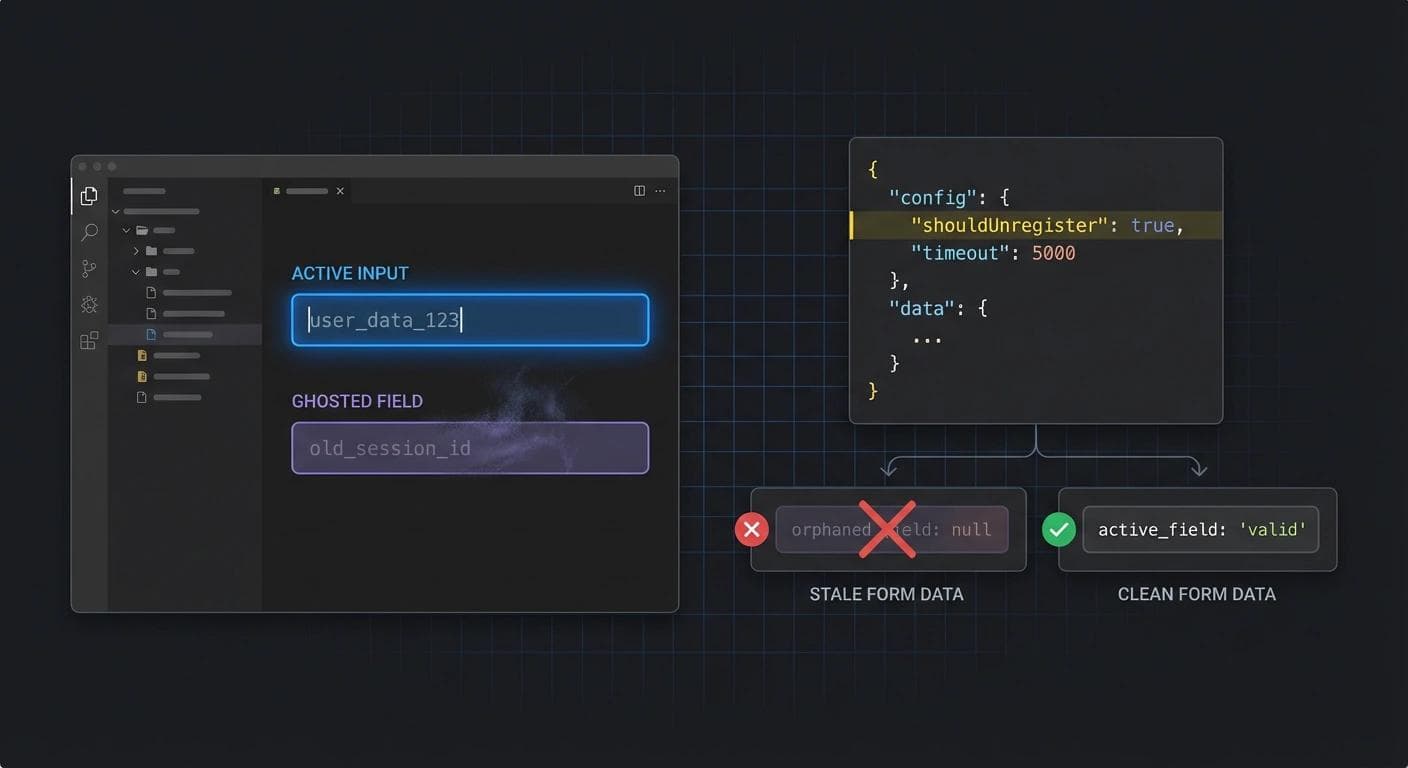
The field is gone, but its value is still alive inside the form state. This happens because React Hook Form intentionally preserves field values even after a component unmounts. This is actually a smart design decision — it makes multi-step forms work great, since you don't lose data as you navigate between steps. But for conditional fields, it works against you.
Why This Happens
By default, React Hook Form holds onto registered field values in its internal state. When a field unmounts — whether because of a conditional render or a step change — the library keeps the value around in case the field comes back. This is the behavior you get with no extra configuration:
// ❌ Default behavior — stale data persists after unmount
const { register, handleSubmit, watch } = useForm();
const isDeveloper = watch("isDeveloper");

const onSubmit = (data) => {
  // Even when isDeveloper is false, favoriteLanguage still exists in data:
  // { isDeveloper: false, favoriteLanguage: "JavaScript" }
  console.log(data);
};

return (
  <form onSubmit={handleSubmit(onSubmit)}>
    <label>
      Are you a developer?
      <input type="checkbox" {...register("isDeveloper")} />
    </label>

    {isDeveloper && (
      <div>
        <label>Favorite Language:</label>
        <input {...register("favoriteLanguage")} />
      </div>
    )}

    <button type="submit">Submit</button>
  </form>
);
The Fix: shouldUnregister: true
The solution is a single option: shouldUnregister: true. Pass it to useForm() and React Hook Form will automatically remove a field's value from the form state the moment that field unmounts. No stale data, no ghost values.
// ✅ Clean behavior — value is removed when field unmounts
const { register, handleSubmit, watch } = useForm({
  shouldUnregister: true,
});
const isDeveloper = watch("isDeveloper");

const onSubmit = (data) => {
  // Now when isDeveloper is false, favoriteLanguage is cleanly gone:
  // { isDeveloper: false }
  console.log(data);
};

return (
  <form onSubmit={handleSubmit(onSubmit)}>
    <label>
      Are you a developer?
      <input type="checkbox" {...register("isDeveloper")} />
    </label>

    {isDeveloper && (
      <div>
        <label>Favorite Language:</label>
        <input {...register("favoriteLanguage")} />
      </div>
    )}

    <button type="submit">Submit</button>
  </form>
);
Apply It Selectively
You don't have to apply this behavior to the entire form. If you only want a specific field to unregister on unmount — while the rest of the form keeps its preserved state — you can pass shouldUnregister directly to register() on that individual field:
<input {...register("favoriteLanguage", { shouldUnregister: true })} />This gives you fine-grained control. Multi-step forms can keep their cross-step memory, while conditional fields clean up after themselves.
Default React Hook Form behavior preserves field values on unmount — great for multi-step forms, but a silent trap for conditional fields. Use shouldUnregister: true globally or per field to keep your form state clean.
Yousef Saeed
Full-Stack Developer · Cairo, Egypt